VMware Workstation Pro 25H2 更新内容
前言
此前 Broadcom 表示:“对于 Workstation Pro 17.6 及更高版本,您必须从 Broadcom 支持门户手动下载软件更新。有关更多信息,请参见知识库文章 395172。”
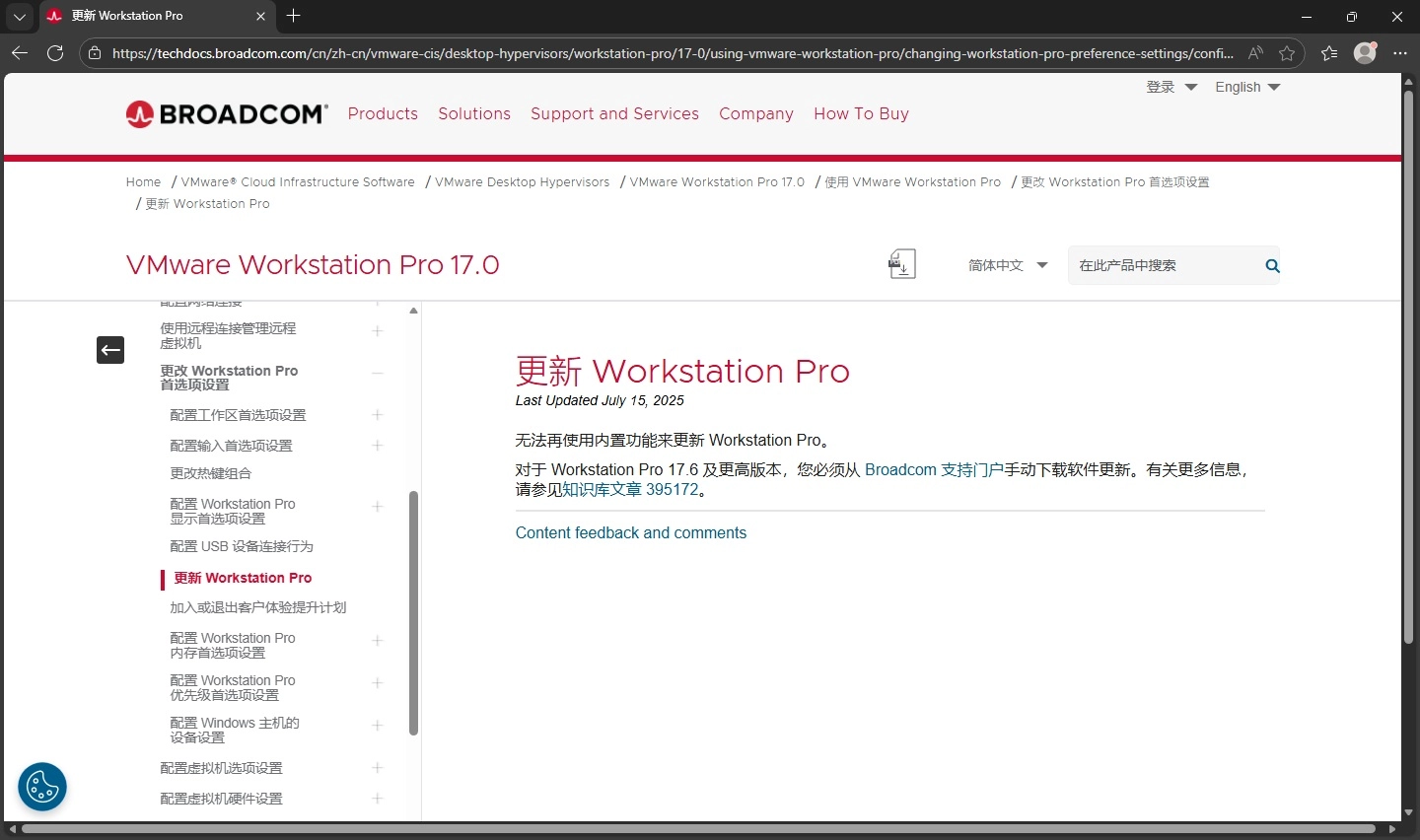
同时在 VMware Workstation Pro 中也无法正常检查更新,因此本人关闭了自动检查更新
等一下,博通貌似也没表示以后在 VMware Workstation Pro 中无法检查更新
但就在昨晚,当我运行 VMware Workstation Pro 时,其显示了软件更新窗口 (虽然自动检查更新已关闭):
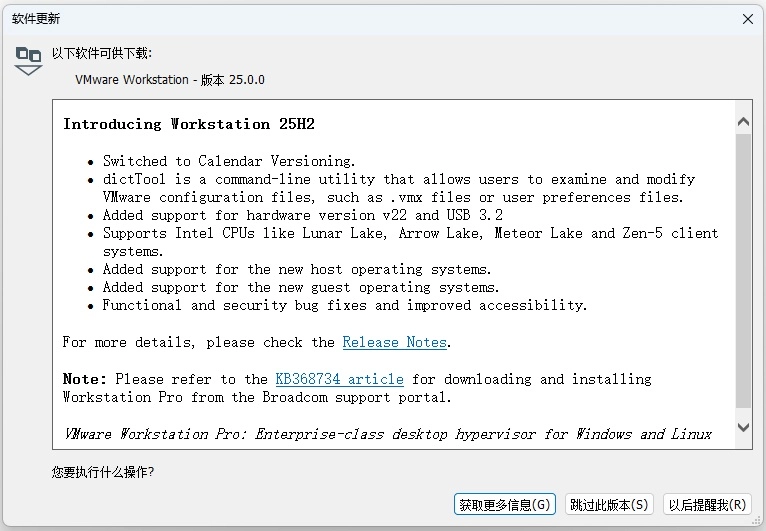
iOS从 18 版本跳到 26、VMware Workstation Pro 从 17.6.4 跳到了 25.0.0
由于此前本人一直在 VMware Workstation Pro 17.0 发布说明中查看更新,因此一直没有发现 VMware Workstation Pro 25H2 的更新
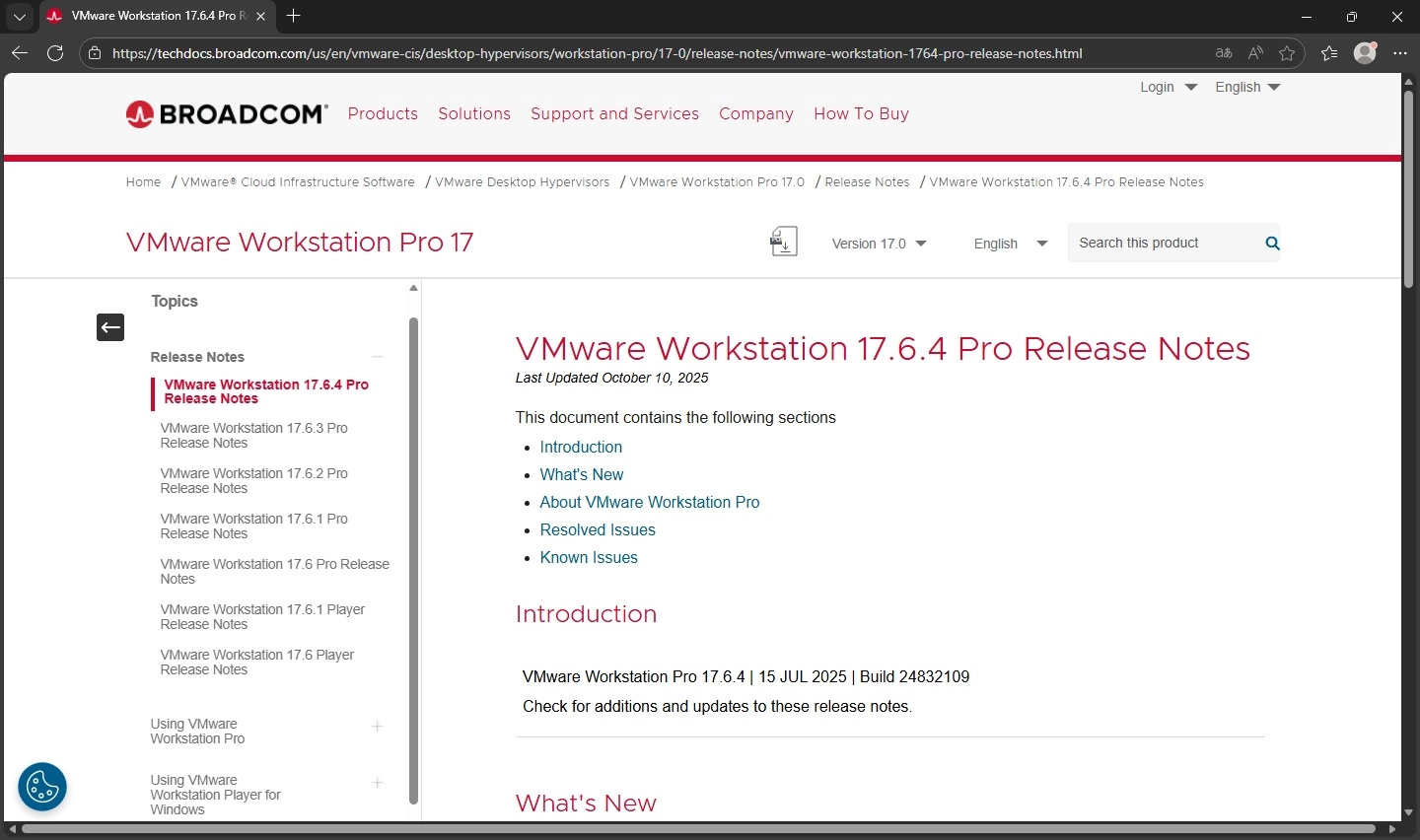
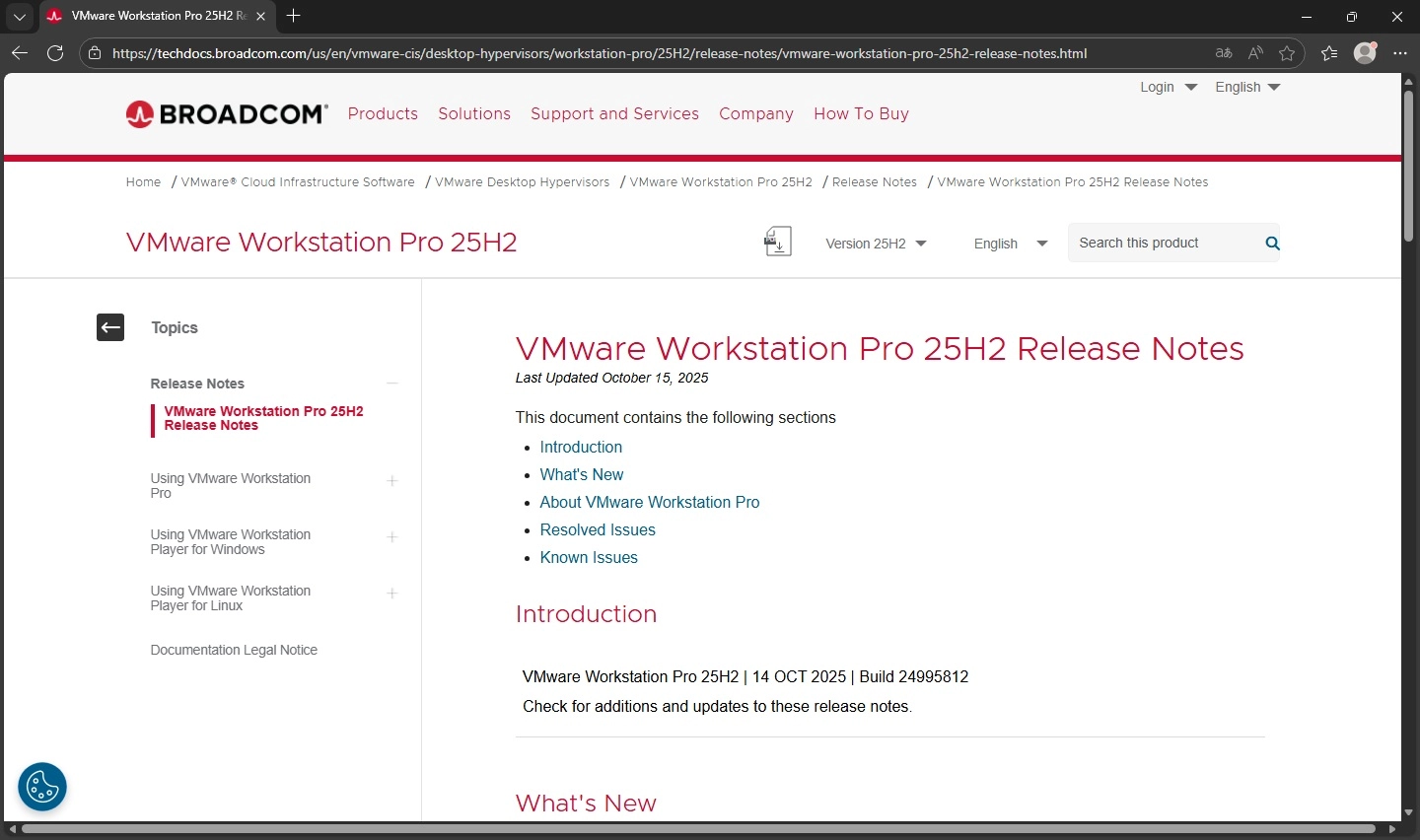
既然现在发现了,那就看看都更新了哪些内容吧(进入正题):
以下内容来自博通官方文档
VMware Workstation Pro 25H2 Release NotesLast Updated October 15, 2025
This document contains the following sections
Introduction
| VMware Workstation Pro 25H2 | 14 OCT 2025 | Build 24995812Check for additions and updates to these release notes. |
What’s New
VMware Workstation Pro 25H2 provides the following new capabilities.
- Introducing dictTool: A command-line tool to examine and modify VMware configuration files, such as a vmx file or user preferences file. For more information, see Using dictTool to Modify Configuration Files.
- Added support for USB 3.2
- Added support for virtual hardware version 22
- Added support for Hyper-V/WHP detection
- Added support for new guest operating systems
- Red Hat Enterprise Linux 10
- Fedora Linux 42
- openSUSE Leap 16.0 (RC)
- SUSE Linux 16 (Beta)
- Debian 13
- Oracle Linux 10
- VMware ESX 9.0
- Added support for new host operating systems
- Red Hat Enterprise Linux 10
- Fedora Linux 42
- openSUSE Leap 16.0 (RC)
- SUSE Linux 16 (Beta)
- Debian 13
About VMware Workstation Pro
VMware Workstation Pro™ enables technical professionals to develop, test, demonstrate, and deploy software by running multiple x86-based Windows, Linux, and other operating systems simultaneously on the same PC.
You can replicate server, desktop, and tablet environments in a virtual machine and allocate multiple processor cores, gigabytes of main memory, and graphics memory to each virtual machine, whether the virtual machine resides on a personal PC or on a private enterprise cloud.
Downloads
Log in to the Broadcom Support Portal and download the latest version of VMware Workstation for Windows and Linux.
VMware Workstation Pro is now free for commercial, educational, and personal use. You no longer require a license key.
System Requirements
For information about the system requirements of VMware Workstation Pro, see Introduction and System Requirements in the
Using VMware Workstation Pro
documentation.
Product Support Notice
vctl Utility is no longer part of VMware Workstation Pro.
Internationalization
VMware Workstation Pro 25H2 is available in the following languages:
- English
- French
- Japanese
- Spanish
Resolved Issues
When quitting Workstation Pro on Linux while in Full Screen mode, the application crashes
While using Workstation Pro on Linux, quitting the application results in an unexpected failure with a coredump file. This issue is fixed in this release.
When using the power off button in the toolbar, the suspend state cannot be discarded for VMs
If the power off button in the toolbar is configured to perform a guest shutdown instead of a hard power off, when used on a suspended VM, the button fails to discard the suspend state. This issue is fixed in this release.
The Event Viewer tool on Windows displays a large number of messages from the VMware Authorization Service
An incorrect default logging configuration results in the VMware Authorization Service (vmauthd) sending an excessive number of logging messages to the Event Viewer tool. This issue is fixed in this release.
When collecting a support bundle on Workstation Pro on Linux, the operation requires extensive amount of time
When clicking
Collect Support Data, every file in the
proc filesystem is being copied individually by using the
cp command, which results in a slow collection process. This issue is fixed in this release.
When using Intel GPU on a Linux host, 3D acceleration fails
Intel Meteor Lake GPUs that run on a Linux host operating system have specific GPU memory heaps. Enabling the 3D acceleration option, causes an error in the memory synchronization code, which results in video rendering corruption on the guest operating system. This issue is fixed in this release.
Known Issues
Using third-party Vulkan graphics drivers might cause VM issues in Workstation 25H2
For example, the VM screen might freeze or during power off operation, the VM might crash.
Workaround: Open the
VMX file of the guest operating system and add the following configuration property and value:
mks.enableVulkanPresentation=FALSE.
When 3D acceleration is enabled, the installation process of Red Hat Enterprise Linux 10.0, fails
When creating a VM with Red Hat Enterprise Linux 10.0 and 3D acceleration is enabled, the installation of the operating system freezes with a gray screen. This issue is reported to Red Hat.
Workaround: Perform the following tasks.
- In the settings of the VM, on the Hardware tab, select Display.
- Under 3D graphics, deselect the Accelerate 3D Graphics check box and click OK.
During installation of Window 11 operating system, network connection fails
When installing Windows 11 Home or Pro edition on a virtual machine, the installer appears to be connected to a network, but continues to prompt for network connection with the following message:
Let’s connect you to a network. As a result, you cannot proceed with the next installation steps.
Workaround: In the settings of the VM, change the network adapter from NAT to Bridged and proceed with the installation.
The multi-monitor feature might not work correctly in specific topologies
In specific situations, based on different hardware and topologies, the multi-monitor feature does not work as expected. You might see issues like reverting the topology to a single screen, or not cycling through monitors.
Workaround: None.
更新内容总结
- 新增 dictTool 命令行工具
个人认为此工具目前作用不大,在 Windows 环境下可以使用 Notepad、在 Linux 或 BSD 环境下可以使用 vim,同时 ESX/ESXI 也内置了 vim 编辑器。 - 删除了部分此前支持的语言,仅保留了:英语、法语、日语、西班牙语
个人认为没有中文支持也可以,VMware Workstation Pro 中没有过于复杂或难以理解的英语词汇,有一定计算机基础的人不会受到太大影响。 更新了版本号
将版本号从 17.6.4 更改为 25.0.0,同时版本名称从 17 更改为 25H2。
文章到此结…束…?
如果仅介绍官方发布的更新内容,那本片文章含水量可能过多,我们来看看此次更新可能是最大的改动
众所周知,早年间 VMware 与 Hyper-V 互不相容,若开启了 Hyper-V,则无法使用 VMware,若使用 VMware 则无法开启 Hyper-V。
后来,Microsoft 推出了 Hyper-V 的 API 层:WHP (Windows Hypervisor Platform),让第三方虚拟化应用程序可以调用底层虚拟化功能。
这解决了很多虚拟化应用程序运行卡顿甚至无法运行的问题,但至此,若开启 Hyper-V 以及其的任何相关功能,则无法使用 VMware Workstation Pro 的虚拟化嵌套功能,直到 VMware Workstation Pro 25H2…
嵌套虚拟化
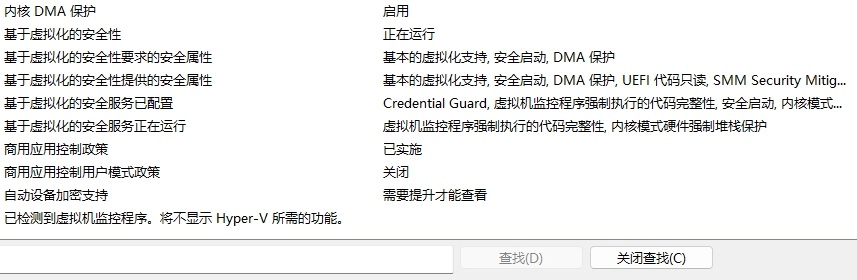
当前 VBS (Virtualization-Based Security) 处于开启状态
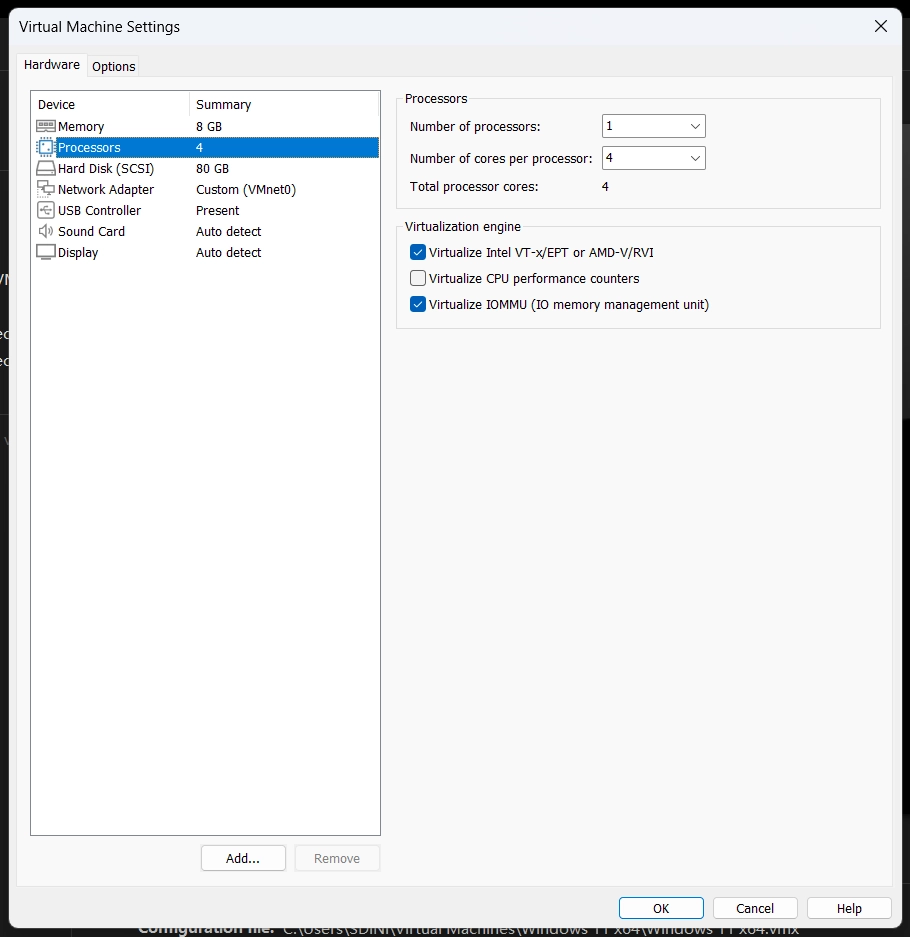
已为虚拟机开启虚拟化 VT-x 和虚拟化 IOMMU
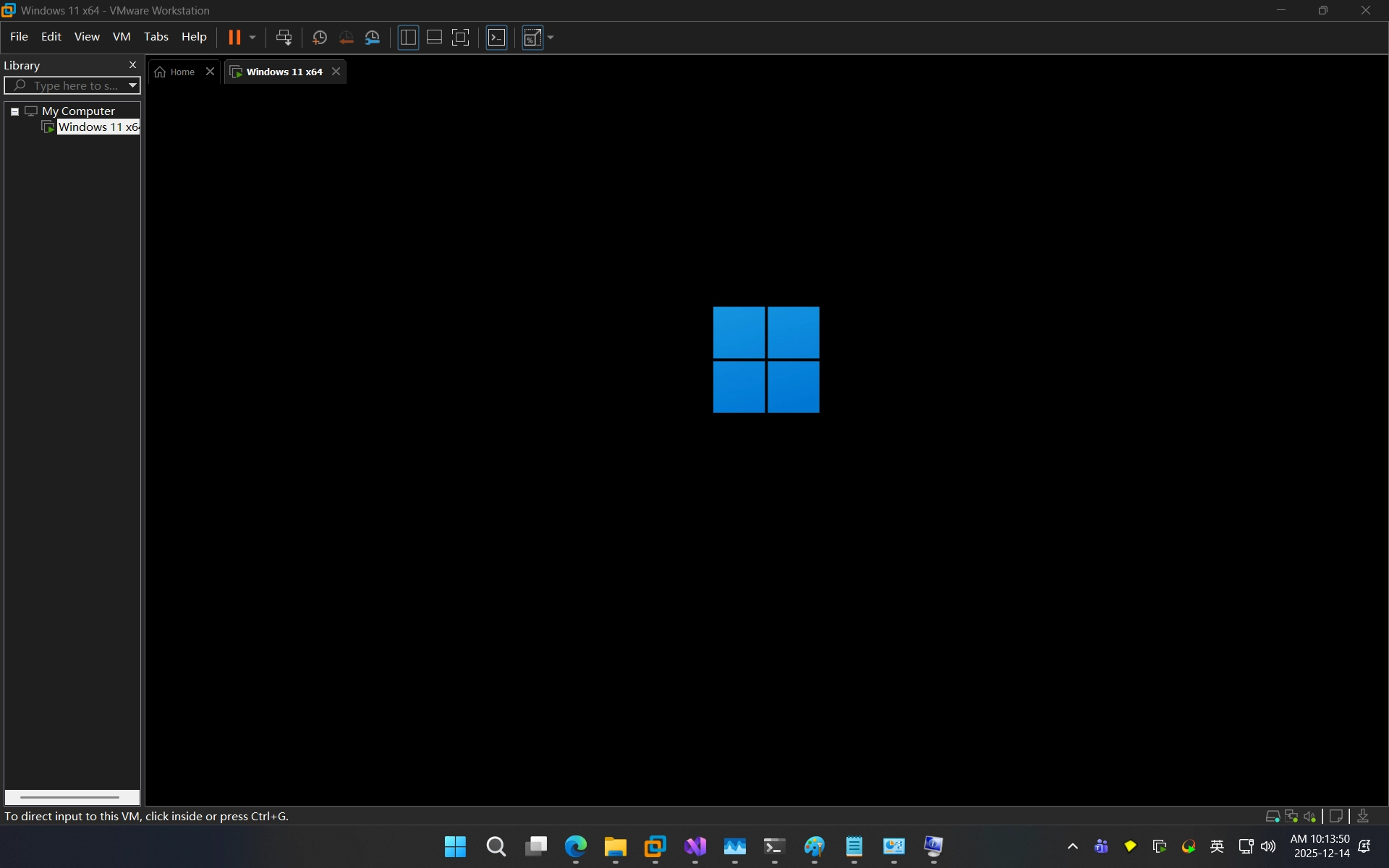
开机过程没有出现错误或提示不兼容
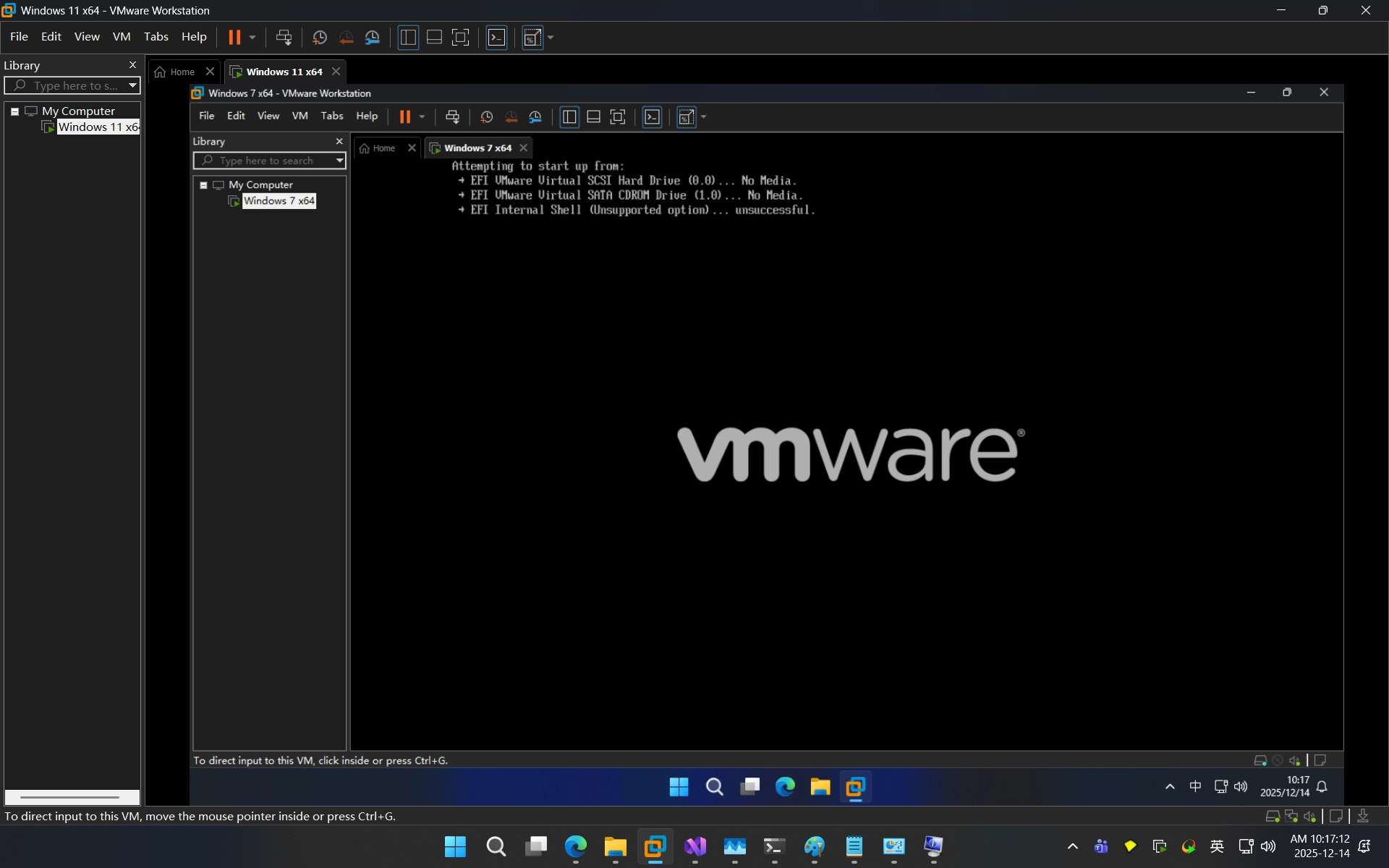
成功在虚拟机中运行虚拟机
啊终于写完了,本篇文章到此结束